
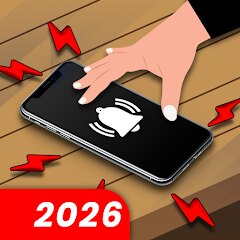
Screenshots
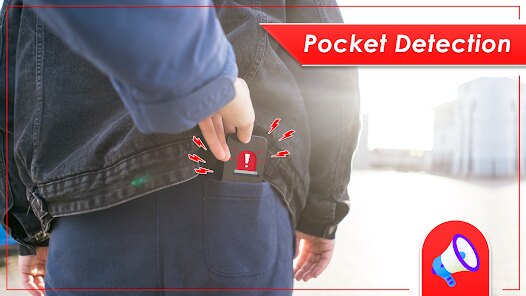
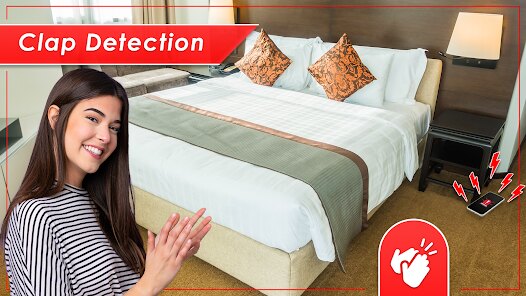
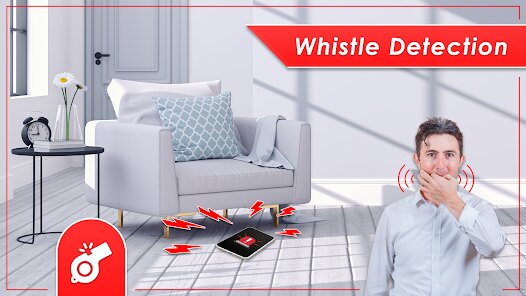
Related Apps
![]()
Broken Screen Prank
![]()
Fingerprint Scanner App
![]()
Firefox Fast & Private Browser
![]()
Allergy Plus by Pollen.com
![]()
Find My Phone By Clap, Whistle
![]()
Planner 5D: Home Design, Decor
![]()
Ghost Detector Real Life Radar
![]()
Pride Quiz LGBTIQ+
![]()
Galaxy Starry Keyboard Backgro
![]()
Instagram
![]()
Fun Fact- My Personal Fact
![]()
Audible: Audio Entertainment
![]()
Photo Frames
![]()
Photo Collage Maker & Editor
![]()
Japan Timetable & Route Search















About this app
 NameAnti Theft Alarm–Find my Phone
 CategoryProductivity
 PriceFree
 Safety100% Safe
 DeveloperPhone Lock & Utilities Apps
 LabelTools
editor reviews
Anti Theft Alarm–Find my Phone is a utility app designed to help you protect your phone from theft and find it when misplaced. I first came across it on Google Play a couple of years ago, and it has been a lifesaver ever since. The app is available on both Google Play and the App Store, which is great for people who switch devices. It has over 10 million downloads on Google Play, so a lot of people trust it. The download is free, which is always a plus. You do need to register to use some of the more advanced features, but the basic stuff works right away. There are in-app purchases if you want to unlock everything, but I have been using the free version and it works fine. There are also ads, but they are not too annoying.
Using the app is pretty straightforward. You set it up once, and it runs in the background. If someone tries to unplug your phone or move it, a loud alarm goes off. That scared me the first time I tested it. I also use it to find my phone when I lose it around the house. You just call your phone from another device, and it rings even if it is on silent. A tip I learned is to set the sensitivity to high if you are in a busy area. That way, even a slight movement triggers the alarm. Another tip is to keep the app updated, because the developers often add new features. I also like that you can set a fake PIN screen to confuse thieves. It looks like a normal unlock screen, but it actually triggers the alarm if someone tries the wrong code.
I have tried a few other apps like Cerberus and Lookout, but I keep coming back to this one. Cerberus has more features, but it is more complicated to set up. Lookout is good, but it uses more battery. This app is simple and light. It does not slow down my phone or drain the battery. Another reason I chose this app is the community. The reviews on Google Play are very helpful, and the developers actually listen to feedback. I remember one update added a feature I suggested, which was cool. Overall, it is a solid choice if you want peace of mind without a lot of hassle.
features
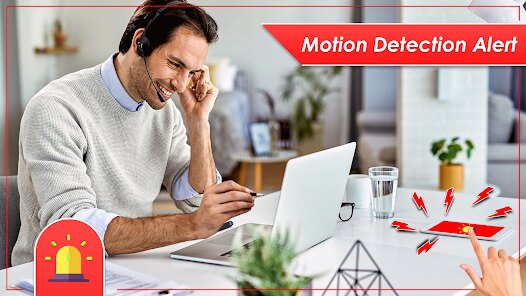
- 🔒 Real-time theft alarm: The app uses motion sensors to detect if your phone is moved while charging. If someone tries to unplug it or pick it up, a loud siren goes off. I tested this with my old phone, and it worked perfectly. Other apps like Prey have similar features, but this one is faster to respond.
- 📍 Find my phone: You can locate your phone on a map from another device. This is handy if you leave it somewhere like a restaurant. I once forgot my phone at a cafe and used this to find it within minutes. Compared to Find My Device by Google, this app has a more user-friendly interface.
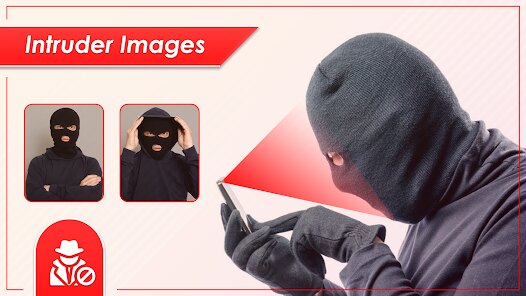
- 📸 Intruder selfie: The app takes a photo of anyone who tries to unlock your phone with a wrong code. It captures their face and sends it to your email. I caught my little brother trying to sneak a peek at my phone. Cerberus also does this, but the photo quality here is better.
- 📱 Fake cover screen: You can set a fake lock screen that looks real. If someone enters the wrong code, the alarm goes off and a photo is taken. This is a clever way to catch thieves. Lookout has a similar feature, but it is not as customizable.
pros
- ✅ Easy to use: The setup is quick, and you do not need technical skills. I had it running in under two minutes. Other apps like Avast require more steps.
- ✅ Low battery usage: It does not drain your battery like some security apps. I noticed no difference after installing it. Kaspersky, on the other hand, slowed down my phone.
- ✅ Fast alarm: The alarm goes off instantly when motion is detected. This is better than McAfee, which had a slight delay.
- ✅ Regular updates: The developers update the app often with new features. This keeps it compatible with new Android versions. Some apps like Norton are updated less frequently.
cons
- ❌ Ads can be intrusive: The free version has ads that pop up sometimes. This is annoying when you are in a hurry. Other apps like Malwarebytes have fewer ads.
- ❌ In-app purchases for full features: Some useful features require payment. I wish the free version had more options. Compared to Bitdefender, the pricing is similar but less flexible.













































