

Screenshots
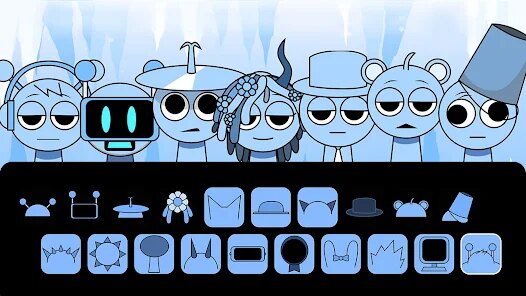
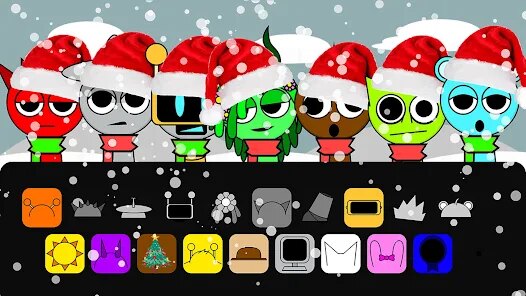
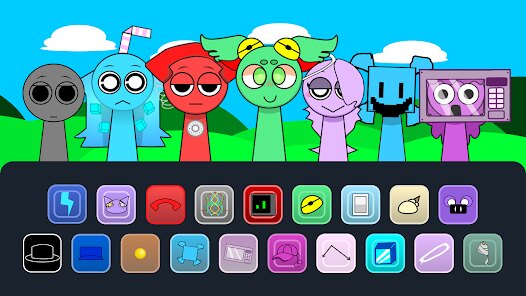
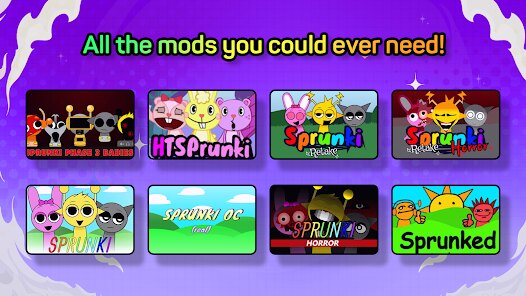
Related Apps
![]()
Mob Control
![]()
Dandy Music World Box Mod
![]()
My Perfect Hotel
![]()
FPS Commando Shooting Games
![]()
Ojol The Game
![]()
Kingshot
![]()
Water Match™- ASMR Water Sort
![]()
Art of War: Legions
![]()
Goods Puzzle: Sort Challenge™
![]()
Flappy Dunk
![]()
Hide and Go Seek: Monster Hunt
![]()
Call of Duty®: Mobile
![]()
Sniper 3D:Gun Shooting Games
![]()
Poppy Playtime Chapter 3
![]()
The Baby In Yellow












About this app
 NameSprunki All Phases Beat Maker
 CategorySimulation
 PriceFree
 Safety100% Safe
 DeveloperGotstar Studio
 LabelCasual
editor reviews
Sprunki All Phases Beat Maker is a cool music creation game. It's a rhythm and beat-making game. You can play it on mobile devices. It's available on the Google Play Store. The game is free to download. There are no ads, which is great. You can buy extra sound packs inside the game. The prices are fair for what you get. It feels like a proper music tool in your pocket.
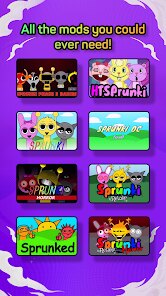
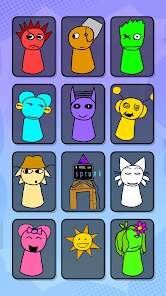
You play by tapping and dragging notes on a grid. This grid is your timeline. You add different sounds like drums, bass, and melodies. The best part is how simple it is to start. You don't need to know music theory. My favorite part is the 'All Phases' mode. It gives you a starting beat and you have to build on it. It feels like solving a fun puzzle with sound. Making a full song from a simple loop is super satisfying.
If you like games like Beat Fever or Incredibox, you'll enjoy this. Beat Fever is more about tapping to music. Sprunki is about creating the music yourself. Incredibox is similar but more about layering voices. Sprunki feels deeper for making electronic beats. I recommend this game because it's creative and relaxing. It's perfect for making quick beats during a break. It's more hands-on than just listening to music.
features
- Simple Grid Editor 🎛️ - Drag and drop notes easily. Much more direct than Beat Fever's gameplay.
- All Phases Challenges 🧩 - Build upon given beats. It's a creative puzzle unlike anything in Incredibox.
- Quality Sound Library 🎵 - Packs full of professional synth and drum sounds. Great value for a free app.
- No Ad Interruptions ✅ - Pure, uninterrupted music making. A huge plus over many similar free games.
- Export Your Beats 💾 - Save and share your creations. Turns the game into a real tool.
pros
- Truly Creative 🎨 - You build songs from scratch, not just match notes.
- Clean Interface 📱 - Easy to use. Less cluttered than some PC music software.
- Great Sound 🔊 - The included sounds are really good for a mobile app.
cons
- Limited Free Sounds 🎹 - The base pack is small. You'll want to buy more.
- Mobile Only 💻 - Can't use it on a PC with bigger screen and keyboard.
- Steep Learning 🤔 - The 'Phases' can get hard quickly for beginners.
















































